Best Image to Video AI Tool in 2026: Free and Paid Options
Compare image-to-video AI tools for free testing, product videos, social clips, and PixVerse workflows. Learn what to check before scaling.
In the digital age, transforming static images into engaging videos has become a vital skill for content creators. The best image to video AI tools leverage advanced artificial intelligence technology to automate this process, making it accessible to everyone, from marketers to educators. This article explores the capabilities of AI video creation software, focusing on how it can enhance your content strategy. Many creators struggle with the time-consuming task of video editing, but AI tools offer a solution that streamlines production and improves output quality. We will delve into the features that define the best image to video AI tools, how they work, and practical tips for effective use.
A free image-to-video AI generator is useful when you need to test whether a still product photo, character reference, storyboard frame, or social image can become a short video before you pay for scale. See our free AI video generator guide for a side-by-side look at free-credit platforms and open-source tools. The best free path is not only about price; it should reveal upload limits, watermark rules, export resolution, aspect ratios, motion control, credit use, and commercial-use restrictions.
If your source frame starts in OpenAI’s image model, use the GPT Image 2 prompt guide first to create a clean, video-ready still with subject separation, depth layers, and one clear motion cue.
What Is an AI Video Maker for Content Creators?
An AI video maker is a software tool designed to convert images into videos using artificial intelligence algorithms. These tools analyze the input images and apply various techniques to create dynamic video content, often incorporating transitions, effects, and soundtracks. The primary benefit of using an AI video maker is its ability to save time and effort, allowing content creators to focus on their core message rather than the technical aspects of video production. This technology is particularly valuable for content creators looking to enhance their visual storytelling.
How Does AI Convert Images to Videos?
AI converts images to videos through a series of complex algorithms that analyze the visual data. These algorithms can identify key features in images, such as objects, colors, and patterns, and then use this information to generate video sequences. For instance, machine learning models can predict how to animate an image based on its content, creating smooth transitions and engaging effects. The automation of this process not only speeds up production but also enhances the overall quality of the final video, making it more appealing to viewers.
Further insights reveal that AI-enhanced video editing leverages specific features like automated cutting and scene detection to streamline workflows and generate new content.
Which Features Make the Best Image to Video AI Tool?
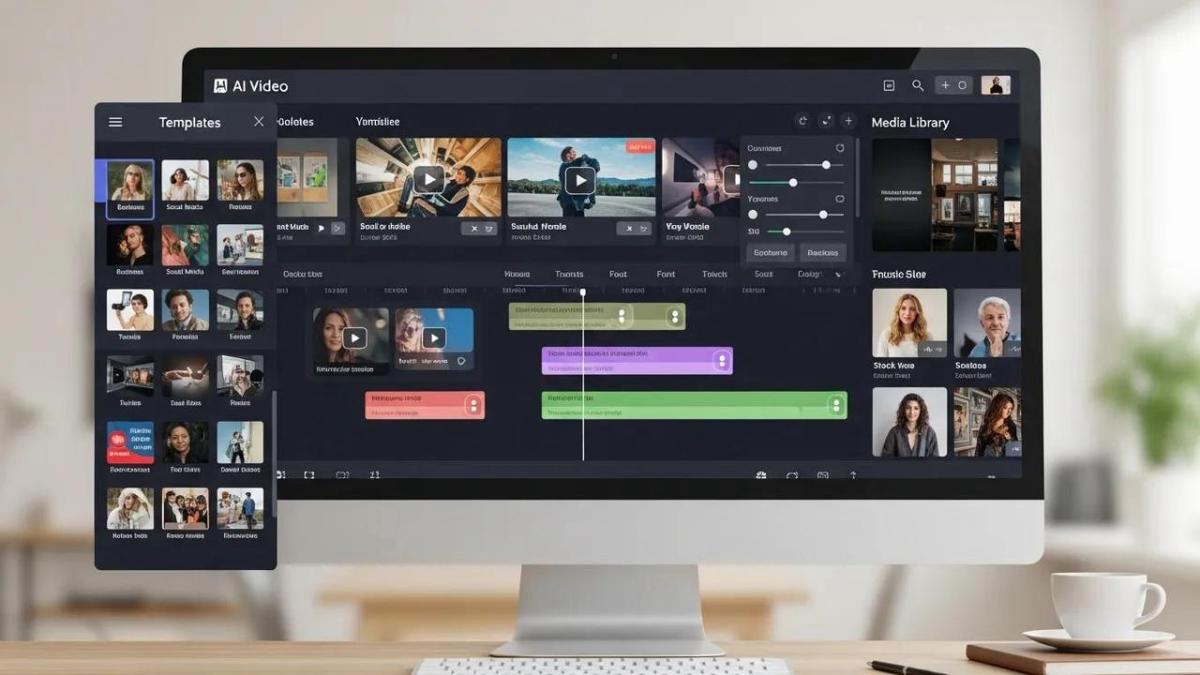
When evaluating image to video AI tools, several key features stand out. A user-friendly interface is essential, allowing creators to navigate the software easily. Additionally, a variety of templates can help users get started quickly, while customization options enable them to tailor videos to their specific needs. Other important features include the ability to add music, voiceovers, and text overlays, which can significantly enhance the storytelling aspect of the videos.
| Feature | Description | Importance |
|---|---|---|
| User-Friendly Interface | Easy navigation and accessibility | High |
| Variety of Templates | Pre-designed layouts for quick starts | Medium |
| Customization Options | Ability to modify elements to fit brand | High |
Free Image-to-Video AI Generator: What to Check First
Free image-to-video tools are best for validation. Use them to learn whether the model can preserve the subject, animate the right object, keep product details stable, and export a usable draft. Do not judge a tool only by whether it creates one clip for free.
| Free image-to-video check | What good looks like | Why it matters |
|---|---|---|
| Source image handling | Uploads product photos, character references, or storyboard frames without heavy compression | The input image is the anchor for subject identity, product shape, and visual style. |
| Motion control | Lets you describe camera movement, object motion, and scene direction | Weak motion control can turn a useful product photo into a generic animated clip. |
| Export quality | Makes resolution, aspect ratio, and watermark limits clear | A free draft is not production-ready if it cannot be exported in the format you need. |
| Credit and retry rules | Shows how many attempts you can make before upgrading | Image-to-video often needs retries because small prompt changes can affect subject stability. |
| Commercial-use terms | Explains whether free outputs can be used in ads, client work, or ecommerce listings | Brand and paid-media use requires rights review, not only a good-looking clip. |
For broader tool selection, compare this image-first workflow with our best AI video generators guide and the text-to-video AI generator comparison. If your image is a product photo for paid media, the AI video ad generator guide is the better next read.
What Are the Benefits of Automated Video Editing AI?
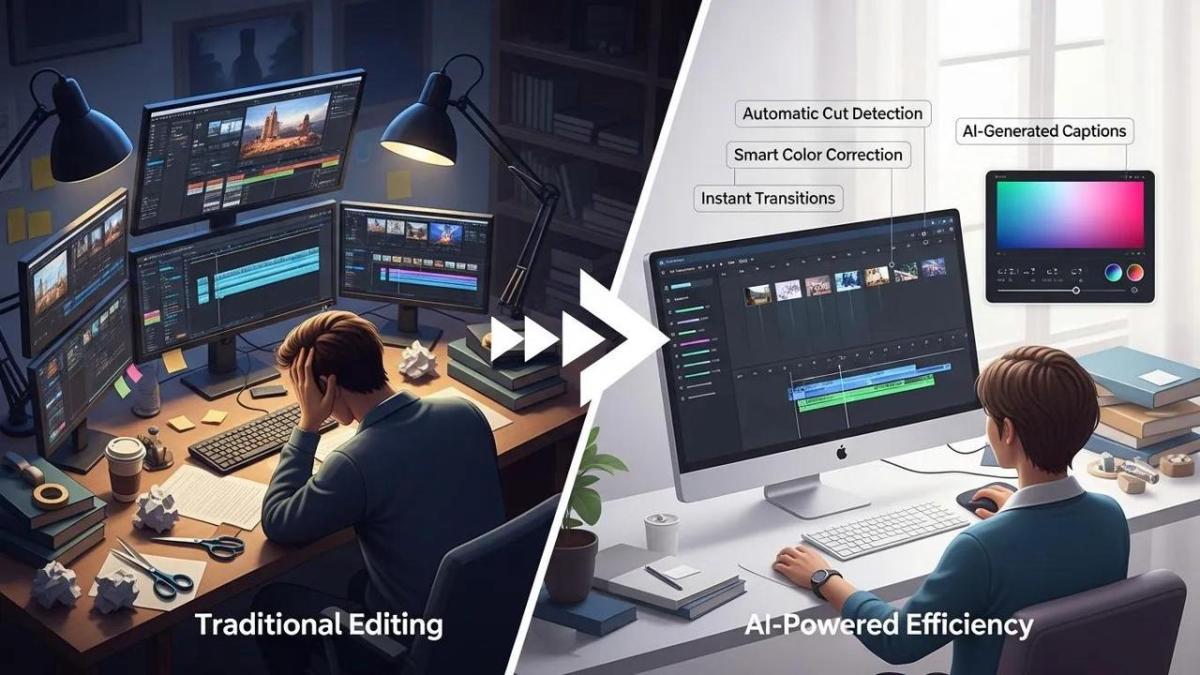
Automated video editing AI offers numerous advantages for content creators. Firstly, it significantly reduces the time required to produce videos, allowing creators to focus on content quality rather than technical details. Secondly, these tools often provide cost-effective solutions, eliminating the need for expensive editing software or professional services. Lastly, the quality of videos produced by AI tools can surpass that of traditional editing methods, thanks to advanced algorithms that optimize visual appeal and engagement.
Research further supports that AI algorithms are crucial for optimizing video production by automating various complex tasks.
How Do Image Animation Tools Enhance Video Content?
Image animation tools play a crucial role in enhancing video content by adding movement and dynamism to static images. These tools can create engaging animations that capture viewers’ attention and improve retention rates. For example, animated infographics can effectively convey complex information in a visually appealing manner. By incorporating animation, content creators can elevate their videos, making them more interactive and enjoyable for the audience.
Deep learning technology, a key component of modern AI, has significantly advanced animation production, addressing traditional challenges.
How Can Content Creators Use AI Video Creation Software Effectively?
To maximize the benefits of AI video creation software, content creators should adopt best practices that enhance their workflow. Understanding the software’s capabilities and limitations is crucial for effective use. Additionally, creators should focus on high-quality images and relevant content to ensure the AI produces the best possible results. If a source photo is the wrong shape for 9:16 or 16:9 output, change the aspect ratio without cropping with AI outpainting before running image-to-video. Regularly updating the software can also provide access to new features and improvements, further enhancing the video production process.
What Are Common Use Cases for Photo to Video Converter AI?
Photo to video converter AI can be utilized in various contexts, including:
- Marketing Videos: Businesses can create promotional content that showcases products or services effectively.
- Social Media Content: Engaging videos can be generated for platforms like Instagram and TikTok, where visual appeal is paramount.
- Educational Materials: Educators can transform lecture notes or presentations into dynamic video formats, making learning more engaging.
How Does PixVerse Streamline Video Production?
PixVerse is an AI video platform for turning prompts and images into dynamic videos. The PixVerse official site lists Text/Image to Video, AI Templates, MultiShot, Agent, lip sync and audio, video editing, multi-frame control, and character reference as creator workflows, while the PixVerse V6 documentation lists image-to-video, text-to-video, transition, extension, reference-to-video, 1-15 second duration, 360p to 1080p quality options, and audio controls.
That matters for image-to-video because a still image is often only the first step. A creator may test a product photo for motion, then need a 9:16 social version, a widescreen site version, audio, or a follow-up edit. For developers and advanced users, detailed documentation is available at PixVerse Documentation, and onboarding resources can be found at PixVerse Onboarding.
Where to Find the Best AI Video Creation Software in 2026?
As the demand for video content continues to rise, several platforms are emerging as leaders in the AI video creation space. When searching for the best AI video creation software, consider factors such as user reviews, feature comparisons, and pricing. It’s essential to choose a platform that aligns with your specific needs and budget.
How Does PixVerse Compare to Other AI Video Tools?
PixVerse stands out among other AI video tools due to its unique selling points, including its advanced AI algorithms and extensive customization options. While many tools offer basic features, PixVerse provides a comprehensive suite that caters to both novice and experienced content creators. User feedback highlights its ease of use and the quality of videos produced, making it a top choice for those looking to enhance their video content. For insights and updates, visit the PixVerse Blog and explore partnership opportunities at the PixVerse Affiliate Program.
What Are Tips for Choosing the Right AI Video Maker?
When selecting an AI video maker, consider the following criteria:
- Key Features: Look for tools that offer a range of features, including templates, customization options, and animation capabilities.
- Budget Considerations: Evaluate the pricing structure to ensure it fits within your budget while still providing the necessary features.
- User Experience: Read reviews and testimonials to gauge the overall user experience and satisfaction with the software.
By keeping these factors in mind, content creators can make informed decisions when choosing the best image to video AI tool for their needs.
FAQ
What is the best free image-to-video AI generator?
The best free image-to-video AI generator is the one that can test your actual source image, not just a sample demo. Check whether it supports your input type, target aspect ratio, export quality, watermark needs, credit limits, and commercial-use terms. PixVerse is a practical option to test when you want image-to-video plus related workflows such as text-to-video, transition, extension, audio, and character reference.
Can I turn one product photo into an AI video for free?
You can often test a product photo with free credits or a free starter path, but review the result carefully before using it in a campaign. Product shape, logo readability, color accuracy, captions, claims, watermark rules, and commercial-use rights matter more than whether the first draft was free.
Is image-to-video better than text-to-video?
Image-to-video is better when you already have a product photo, character design, storyboard frame, or brand visual that must stay recognizable. Text-to-video is better when you want to explore a scene from scratch. Many production workflows use both: text-to-video for ideation, then image-to-video when a reference image matters.
What should I check before using a free image-to-video output commercially?
Before commercial use, check the tool terms, watermark policy, export resolution, music or voice rights, input-image ownership, product-claim accuracy, and whether your account plan allows paid advertising or client delivery. Free outputs are best treated as tests until those rights and quality checks are clear.
To stay updated with the latest news and announcements, you can visit the PixVerse news section.