Seedance 2.5 Release Status: Features, Access, and How to Try
Check Seedance 2.5 release status, Dreamina access, free-credit notes, new AI video features, and practical ways to create videos while availability becomes clearer.
Seedance 2.5 is publicly listed on Dreamina/CapCut, with the public page describing longer video generation, R2V references, local editing, multimodal inputs, and free daily credits. That makes it one of the more important AI video model updates to watch, but creators should still check account-level access, queue behavior, credit rules, export limits, watermark policy, and commercial-use terms before using it in production.
The safest reading for now: Seedance 2.5 has official public page evidence, but practical availability may vary by account or region. The same Dreamina page also says Seedance 2.5 is “coming soon,” so treat the public listing as release-status evidence rather than proof that every creator can use the model immediately. If you need to create videos now, prepare a reusable prompt and reference test pack, then compare Seedance 2.5 with current AI video workflows when access is clear.
Seedance 2.5 Release Status
The public Dreamina/CapCut Seedance 2.5 page is the strongest official evidence for Seedance 2.5 right now. It presents Seedance 2.5 as a newer video model focused on longer clips, R2V reference control, local editing, broader multimodal input support, and free daily credits.
What is still unclear is the practical rollout. Account access, free-credit rules, queue behavior, export quality, watermark policy, and commercial-use terms may not be the same for every creator. Those details should be checked inside the product before treating Seedance 2.5 as a stable production workflow.
For creators, the practical move is to prepare a reusable test pack now: one prompt, several image or motion references, target duration, aspect ratio, review criteria, and notes on cost or output quality. That same pack can later be used to compare Seedance 2.5, Seedance 2.0, PixVerse V6, Veo, Kling, or Runway under similar conditions.
What Seedance 2.5 Appears to Add
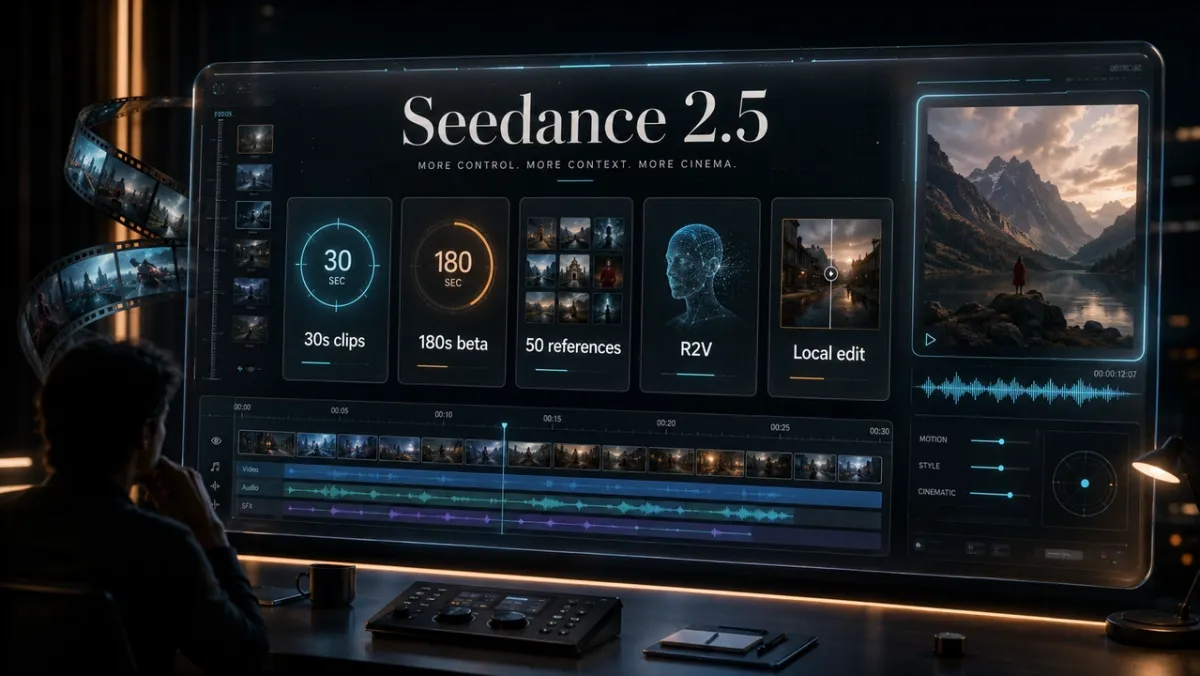
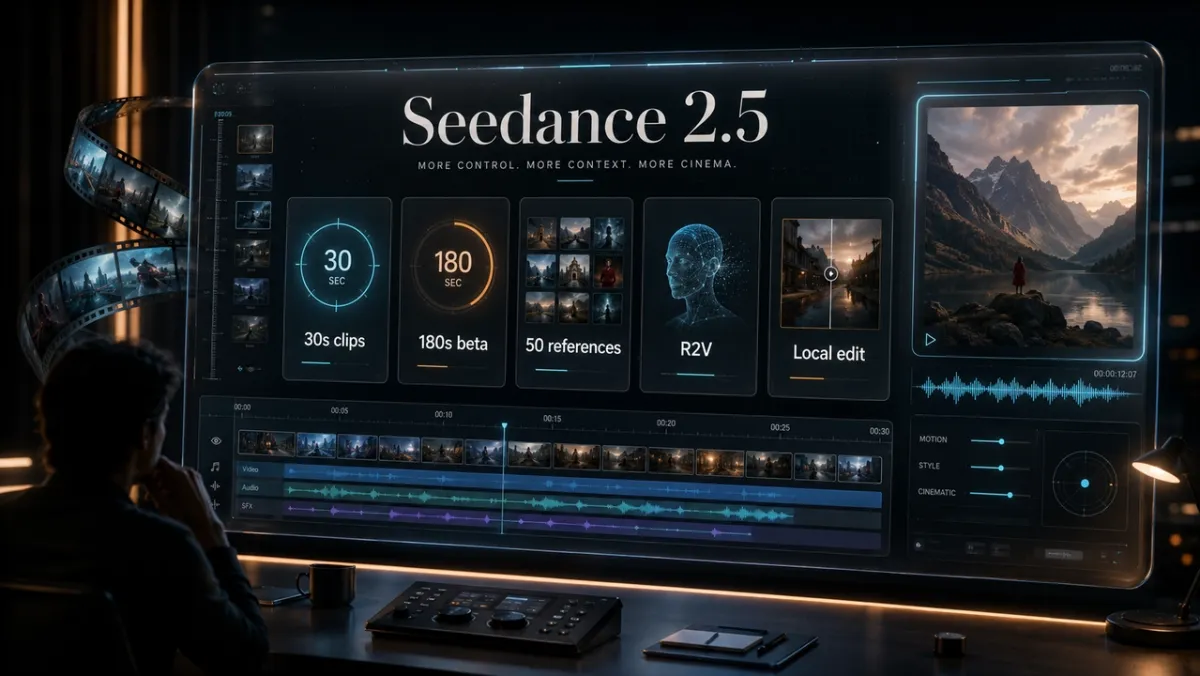
Seedance 2.5 appears to move the Seedance family toward longer, more reference-led video creation. Dreamina describes standard 30-second generation, a beta long-video mode up to 180 seconds, R2V references, local editing, major-language support, clean 4K output, and up to 50 multimodal inputs.
The most important phrase is “appears to.” These are official public-page statements, not a PixVerse hands-on benchmark. A production review still needs repeated output tests before anyone can judge consistency, cost, audio sync, character stability, or commercial usefulness.
For now, the feature set is best read in five groups:
- Longer video generation: Dreamina describes 30-second standard clips and a 180-second beta long-video mode.
- R2V reference control: The page mentions green screen or white model references for character movement, spatial location, and interactions.
- More multimodal inputs: Dreamina says Seedance 2.5 can combine prompts, scripts, images, video, audio, style references, and other inputs, with up to 50 references.
- Local editing: The page describes changing specific regions without regenerating the whole scene.
- Free daily credits: Dreamina mentions free daily credits, but free access should still be checked against queue limits, export quality, watermark policy, and commercial-use terms.
How to Try Seedance 2.5
Use the public Dreamina/CapCut access path first, then check whether your account can select Seedance 2.5 inside the product. Do not assume that a public model page means full global rollout, stable queues, unlimited free access, or production-ready commercial rights.
Before serious testing, make a small repeatable test pack:
- Write one core prompt with subject, action, environment, camera movement, duration, aspect ratio, audio, and constraints.
- Prepare reference assets, such as a product photo, character sheet, motion reference, background image, style frame, or first and last frame.
- Define review criteria before generating: identity stability, motion accuracy, editability, text cleanliness, sound sync, export quality, queue time, credit cost, and watermark behavior.
- Run more than one generation with the same pack, because one strong output is not enough to prove production reliability.
- Save the prompt, references, settings, output links, cost notes, and failure notes so you can compare Seedance 2.5 with other models later.
This method is slower than a casual trial, but it produces a cleaner answer. If two models receive different prompts, different reference packs, and different duration targets, the comparison is mostly noise.
What Still Needs Verification
The open questions matter more than the feature list. Seedance 2.5 may be a major update, but creators should verify the workflow before building client campaigns or repeat production around it.
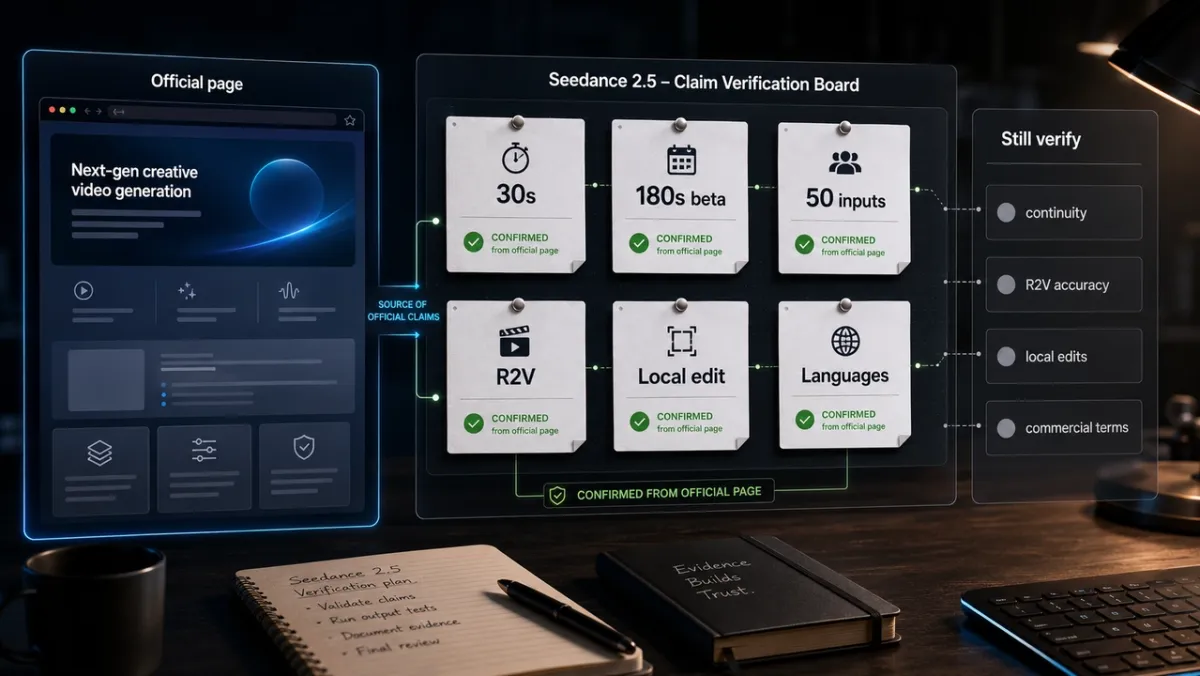
Check these items before treating Seedance 2.5 as production-ready:
- Whether your account can actually select the model.
- Whether free daily credits apply to the settings you need.
- Queue speed during normal and peak usage.
- Output duration, export resolution, watermark rules, and download limits.
- Whether local editing preserves lighting, motion, audio, and identity after multiple edits.
- Whether R2V references control motion and spatial relationships reliably.
- Whether 30-second clips keep character identity, props, scene geography, and audio sync stable.
- Whether commercial-use terms cover your intended use case.
This guide is a release-status article, not a direct output benchmark. Stronger claims about quality, cost, or reliability require controlled generation records.
Seedance 2.5 vs Seedance 2.0
Seedance 2.0 is the useful baseline because it has more established official material. ByteDance describes Seedance 2.0 as a unified multimodal audio-video model that supports text, image, audio, and video inputs, with reference and editing capabilities. The Seedance 2.0 paper lists 4-15 second generation, native 480p and 720p output, and reference inputs of up to 3 video clips, 9 images, and 3 audio clips.
Seedance 2.5 appears to push the same family toward longer clips, denser reference packs, R2V motion guidance, and local repair. That matters because the hardest AI video problems are rarely “make one attractive shot.” The harder job is keeping identity, camera logic, object detail, editability, and audio consistent across a useful production workflow.
The practical comparison is simple: use Seedance 2.0 as the current known workflow, and use Seedance 2.5 as the new status to watch and test. If you already rely on Seedance 2.0 style prompting, start saving the same briefs now so you can compare the models without changing the creative input.
For broader model tradeoffs, the Sora vs Veo vs PixVerse comparison explains how different AI video workflows handle duration, motion, audio, access path, and production fit.
What This Means for Creators
Seedance 2.5 is worth watching because it points at the next control layer for AI video: longer clips, more references, and repairable outputs. If those claims hold up in account-level testing, the model could be useful for product ads, social storyboards, character concepts, short dramas, ecommerce videos, and multilingual campaign versions.
But the near-term opportunity is preparation. Most teams do not lose time because a model is unavailable for a few days. They lose time because they start testing with vague prompts, inconsistent references, and no review criteria. By the time access is clear, the best teams will already know what to test.
For product and brand work, build references from assets you own or have permission to use. Avoid copyrighted characters, unauthorized celebrity likeness, third-party logos, copied music, and platform assets you cannot license. Longer and more realistic video generation makes rights review more important, not less.
Create AI Videos While You Wait
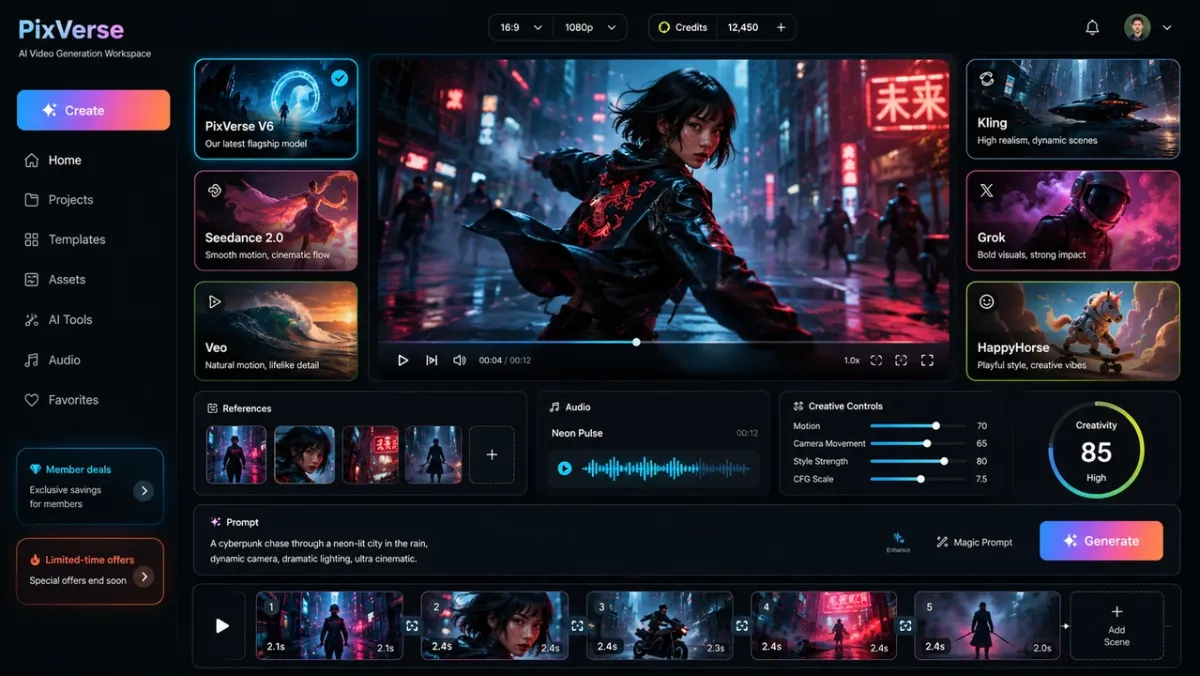
If you are waiting for Seedance 2.5 access, you can still prepare and test production-ready AI video workflows now. PixVerse already supports current AI video creation paths for text-to-video, image-to-video, reference-led creation, transitions, extension, audio controls, and short-form video workflows.
A useful approach is to create one reusable creative brief: the prompt, reference images, motion notes, target duration, aspect ratio, and review criteria. Run that same brief across available models first, then reuse it when Seedance 2.5 access becomes clearer. This gives you a cleaner comparison than testing each model with different prompts.
For teams organizing multiple prompts and references, the PixVerse Canvas workflow can help structure creative tests. For developers and automation workflows, the PixVerse Platform Docs cover API access, model parameters, job status, credits, and generation endpoints.
FAQ
Is Seedance 2.5 available now?
Seedance 2.5 has public Dreamina/CapCut page evidence, but practical access may depend on account, region, queue status, or rollout timing. The public page also says Seedance 2.5 is coming soon, so check availability inside the product before planning production work.
What is the Seedance 2.5 release date?
There is no separate verified global release date beyond the public Dreamina/CapCut page evidence. Treat the page as official public evidence, but verify account-level access before assuming full rollout.
Is Seedance 2.5 free?
Dreamina mentions free daily credits, but free access does not automatically mean unlimited production use. Check credit rules, export limits, watermark policy, queue behavior, and commercial-use terms inside the account.
How can I try Seedance 2.5?
Use the public Dreamina/CapCut access path and check whether your account can select Seedance 2.5. Before serious use, test the same prompt and reference pack more than once to evaluate consistency.
What is new in Seedance 2.5?
Dreamina describes 30-second standard videos, a 180-second beta long-video mode, R2V references, up to 50 multimodal inputs, local editing, major-language support, clean 4K output, and free daily credits. Treat these as official page claims until direct testing confirms output behavior.
How is Seedance 2.5 different from Seedance 2.0?
Seedance 2.0 is the better-established baseline, with official ByteDance material and research paper details for shorter multimodal generation. Seedance 2.5 appears to extend the family toward longer videos, denser references, R2V motion control, and local editing, but practical access and reliability still need verification.
What should I use while waiting for Seedance 2.5?
Use current AI video workflows to prepare prompts, references, and review criteria. PixVerse can help with text-to-video, image-to-video, reference-led video creation, transitions, extension, audio controls, and short-form creative testing.